Speedball · Screens and frames
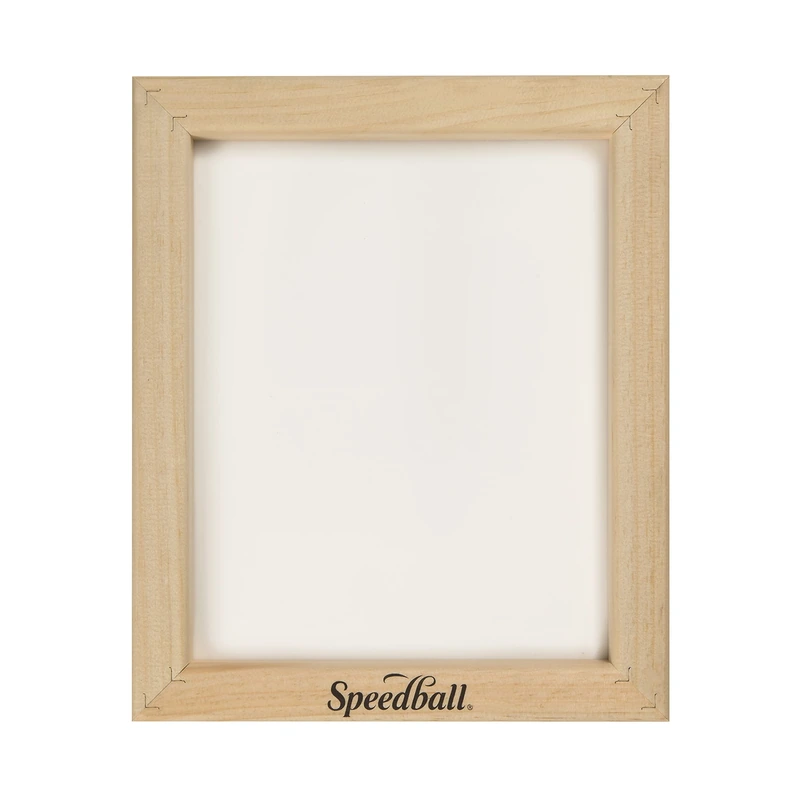
Speedball 4730 12 × 16 in 110 monofilament screen
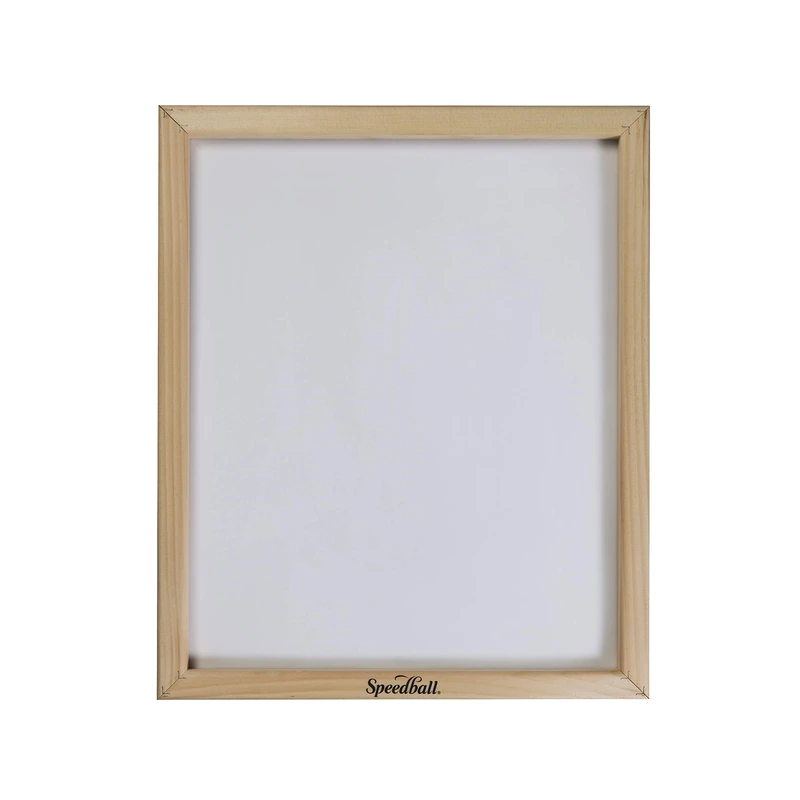
The 4730 puts 110-mesh polyester in a hardwood frame with the mesh secured by a cord in a channel.
What this tool is for
The 4730 puts 110-mesh polyester in a hardwood frame with the mesh secured by a cord in a channel. The listing gives 12 × 16 inches as the inside screen dimensions. Use that opening to plan the artwork, then leave clearance for the squeegee and room for ink ahead of the blade. Measure the outside rails separately for a press clamp, exposure unit or rack.
Specifications
- Brand
- Speedball
- Tool type
- Wood screen
- Model
- 4730
- Inside opening
- 12 × 16 in
- Mesh
- 110-count polyester, cord-secured
- Frame
- Hardwood
- Amazon.com reference
- B00OTHM9QS
Fit and buying advice
This mesh is a starting point for bold shapes and lettering when you want more ink to pass through than with a high-count mesh. Consider a finer screen for small lettering or fine linework, especially with thinner ink. The cord attachment also matters if you expect to replace mesh on the frame. Speedball advises starting the cord at a corner and recommends a screen rolling tool to seat it in the groove.
Compare options in this department ↗
Documentation
Questions about this tool
Which side of the opening should I use for a wider design?
Check whether the stencil can be rotated within the opening while leaving travel room for the blade and clearance at the beginning and end of the stroke.
Would a finer screen change the choice for the same artwork?
For a design combining bold areas and narrow lines, compare the ink maker’s mesh guidance with the detail you need to retain. The 110 mesh favors the more open deposit.
What should I measure if I already own a press?
Compare the outside rail and its thickness with the press jaws, then check the full frame fits over the platen. The inside dimensions help lay out the design.