Speedball · Kits and stencil refills
Speedball 004769 Speed Screens Kit
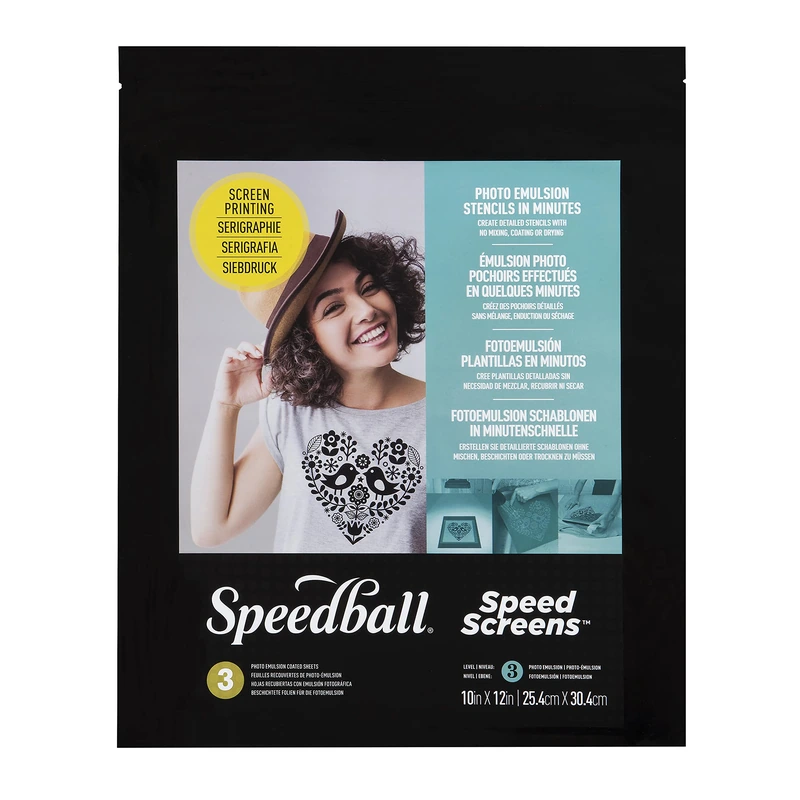
The 004769 kit is for making a first photographic stencil with pre-coated mesh.
What this tool is for
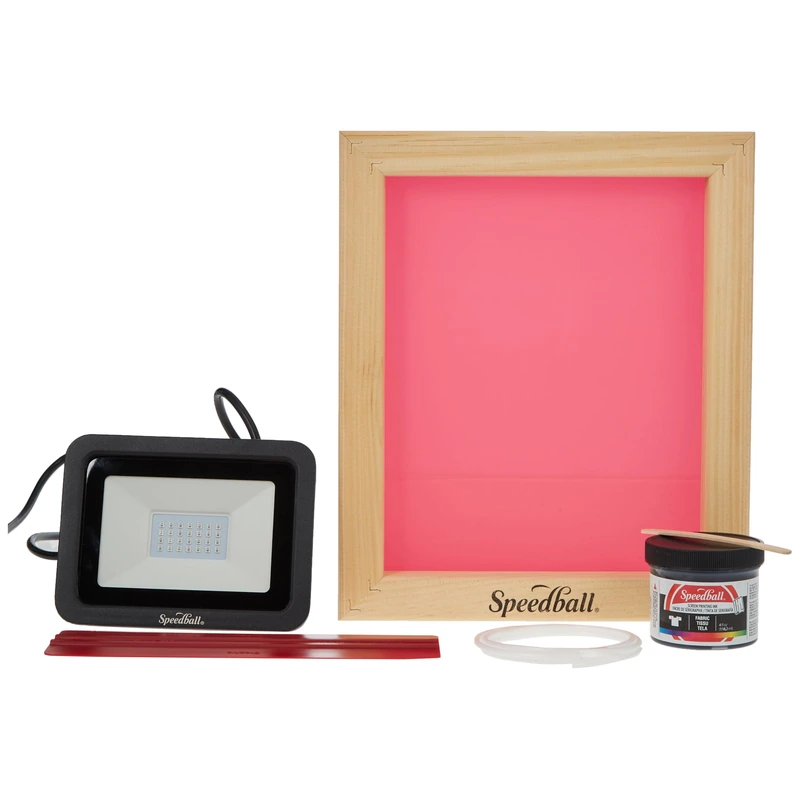
The 004769 kit is for making a first photographic stencil with pre-coated mesh. You make a film positive from your artwork and expose it onto one of the included Speed Screens using the supplied LED lamp. The pre-coated sheets let you skip mixing and spreading liquid emulsion. You still prepare the artwork and follow the supplied instructions for exposing and developing the stencil.
Specifications
- Brand
- Speedball
- Tool type
- Pre-coated stencil kit
- Model
- 004769
- Screen
- 8 × 10 in wood frame
- Exposure
- 30 W LED lamp and three coated mesh sheets
- Ink
- 4 fl oz black fabric ink
- Amazon.com reference
- B093LRB3HK
Fit and buying advice
This package includes an 8 × 10-inch wooden frame, 30 W LED lamp, 4 fl oz of black fabric ink, a Red Baron squeegee, three pre-coated screens, three transparency sheets, screen cord, a craft stick, a sheet of black paper and the instructions. That combination makes sense for a small, one-color textile project. Compare a liquid-emulsion kit if your priority is learning to coat your own screens or working with a larger frame.
Compare options in this department ↗
Documentation
Questions about this tool
Can I make another stencil after the first print?
There are three pre-coated sheets. Once you use them, compare the Speed Screens refills in the appropriate size for the frame.
Can I keep a stencil to use again?
With the supplied ink, Speedball advises rinsing the ink off, blotting the softened stencil gently and allowing it to dry completely on its carrier sheet before reuse.
What if my design needs two colors?
Plan one stencil and a repeatable placement method per color. The included ink is black, so the second color needs separate ink suitable for your fabric.